Learning Gama
Drawing shapes
Gama is an imediate mode library, what does that mean? simply
that you draw the shapes directly, and you don't need to
create shape objects or shape structs.
you use gm_draw functions to draw to the canvas, when you do, the draw
instruction is appended to a list of instructions which will finally be drawn
when the app is ready, making your app more repsonsive since you don't have to
wait for the app to be ready to start drawing.
The coordinate system
To draw shapes you need obviously to indicate gama where to draw them, using specific coordinates, when you draw on gama you use a graph paper like coordinates where the x and y axae range from -1 to 1, but the x or y ranges may exceed that if your window is not completely square causing some parts to be hidden.
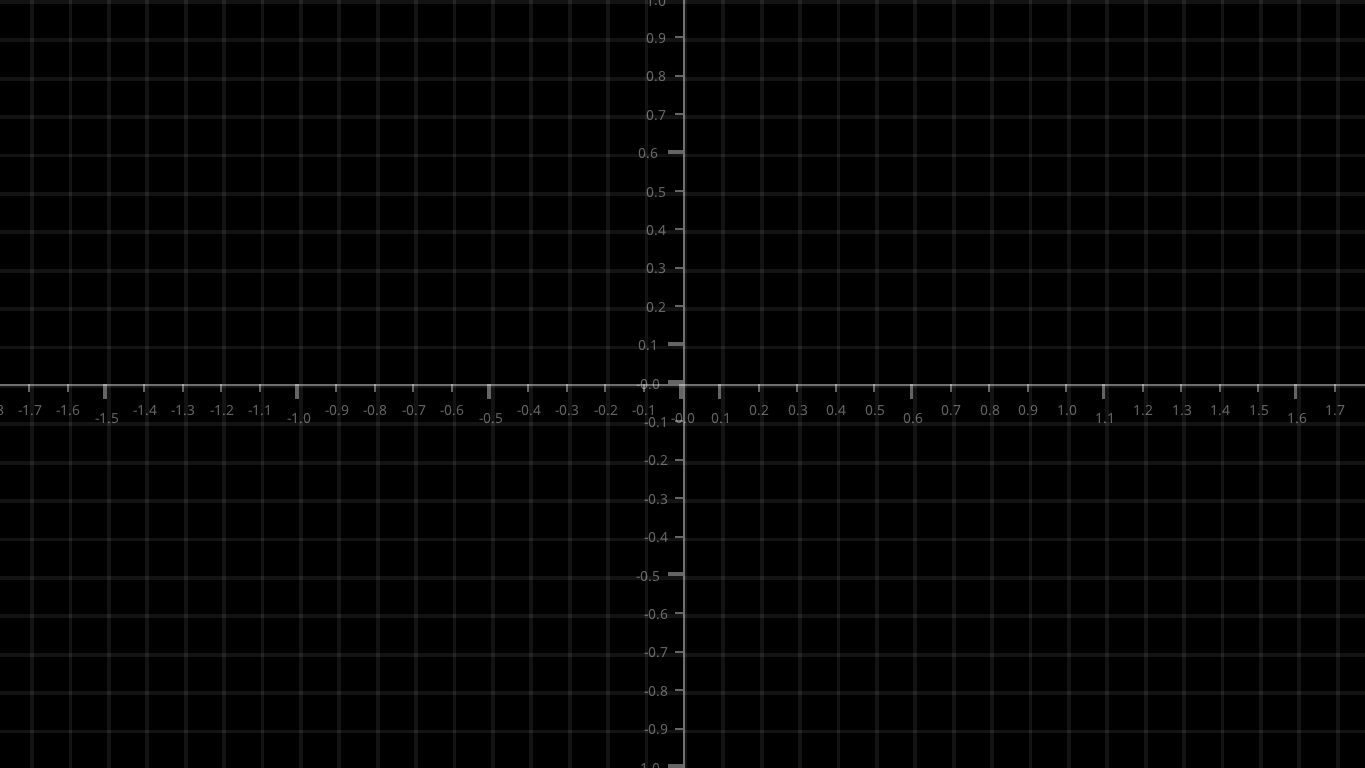
Thus a rectangle of width 2 occupies the whole square window.
Reference
You can find other draw functions in the draw.h reference